
Omegle Camera Not Working? Fix Browser Video Chat
A blocked camera, a black preview and a missing stranger’s video are different problems. Start with your own preview, then follow the checks that fit your device.
Check which site and which problem you have
These steps are for browser video chat, including OmegleWeb. Old “Omegle not working” tutorials may refer to the original service that closed in 2023; our Omegle status guide explains the distinction. Browser permissions cannot make an unavailable service start working.
On OmegleWeb, sign in before opening video. You must be 18 or older, and your face needs to be visible for video matching. Core video chat does not require a Premium subscription. If you prefer not to use a camera, text chat is a separate option.
| What you see | Start here |
|---|---|
| Permission denied | Review this website’s camera and microphone permissions, then the browser’s device permissions. |
| Black local preview | Check the camera cover, lighting and selected camera. Close another app that is using the device. |
| Your preview works, stranger missing | Check whether you are waiting for a match or reconnecting. Local camera permission is not the first thing to reset. |
| Picture works, no sound | Check the selected microphone, mute controls, output volume and connected headphones. |
iPhone: allow the site in Safari
Open OmegleWeb directly in Safari. Use the page menu beside the address, open its additional options and review the camera and microphone permissions for this website. If either is denied, change that permission and return to the video page. The exact menu labels depend on your iOS version.
Apple documents both the default permissions and individual website exceptions in its Safari privacy and permissions guide. Review the permission for the site you intend to use rather than granting every website automatic camera access.
Android: check Chrome and device access
In Chrome’s settings, open the site-permissions section and review Camera and Microphone. If OmegleWeb is blocked, allow it there. If the browser itself lacks device permission, check Chrome’s camera and microphone access in Android’s app settings too. See Google’s Android instructions.
If a link opened inside a social app and camera access fails, try opening the same address in your regular browser. This helps separate an embedded-browser issue from a problem with your device.
Desktop Chrome: choose the intended webcam
Review the site’s permissions under Chrome’s privacy settings, and check the default camera and microphone. A disconnected USB camera or an unintended virtual camera can leave you looking at the wrong source. Your operating system must also allow Chrome to use the devices. Google’s desktop guide explains both permission levels and device selection.
In OmegleWeb’s video settings, check the Camera and Microphone selectors and your preview. Remove a physical camera cover, face a light and close other video-call apps before trying again. If the camera also fails in your device’s camera app, investigate the device itself before changing chat settings.
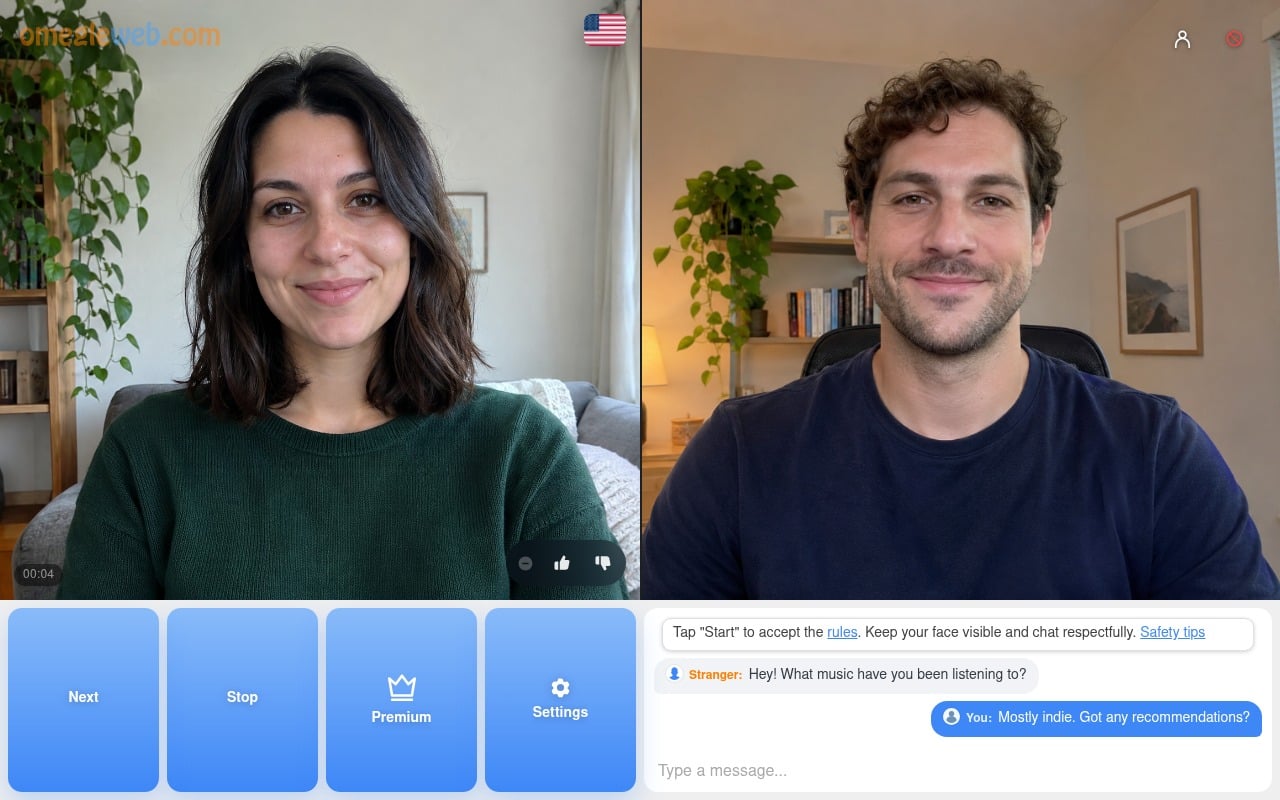
The local preview works, but the match does not
A working local preview tells you the browser can receive your camera. It does not prove that a remote video connection has finished. Give the matching or reconnecting message time to resolve. Check that the page remains online, and try another reliable connection before starting a new match if the problem repeats.
During a temporary interruption, OmegleWeb may try to restore the same conversation. That requires both people to remain available; it is not guaranteed. Pressing Stop or Next ends the current match or moves on, so avoid those controls if you are waiting for a recovery.
Before reloading or resetting anything
Finish an active conversation before a browser restart or permission reset: those actions can interrupt it. Clearing all cookies is not a useful first step and can sign you out. If you need help, note your browser, device, the exact message and whether your local preview works. Do not include your password or private conversation content.
OmegleWeb is an independent service. 18+ only. An email account is required; core chat is free and Premium is optional.